Wide Codec Support
GOM Player comes with built-in codecs, eliminating the need for separate codec pack installations. Play virtually any video or audio format without configuration.
Video Formats
- • MP4, AVI, MKV, MOV, FLV
- • WMV, ASF, 3GP, 3G2
- • TS, MTS, M2TS, TP
- • RM, RMVB, VOB
- • WEBM, OGV, DIVX
- • And 50+ more formats
Audio Formats
- • MP3, AAC, FLAC, OGG
- • WMA, WAV, APE, TTA
- • AC3, DTS, M4A
- • And 20+ more formats
Note: All codecs are integrated and automatically loaded when needed. No manual installation required.
Smart Subtitle Management
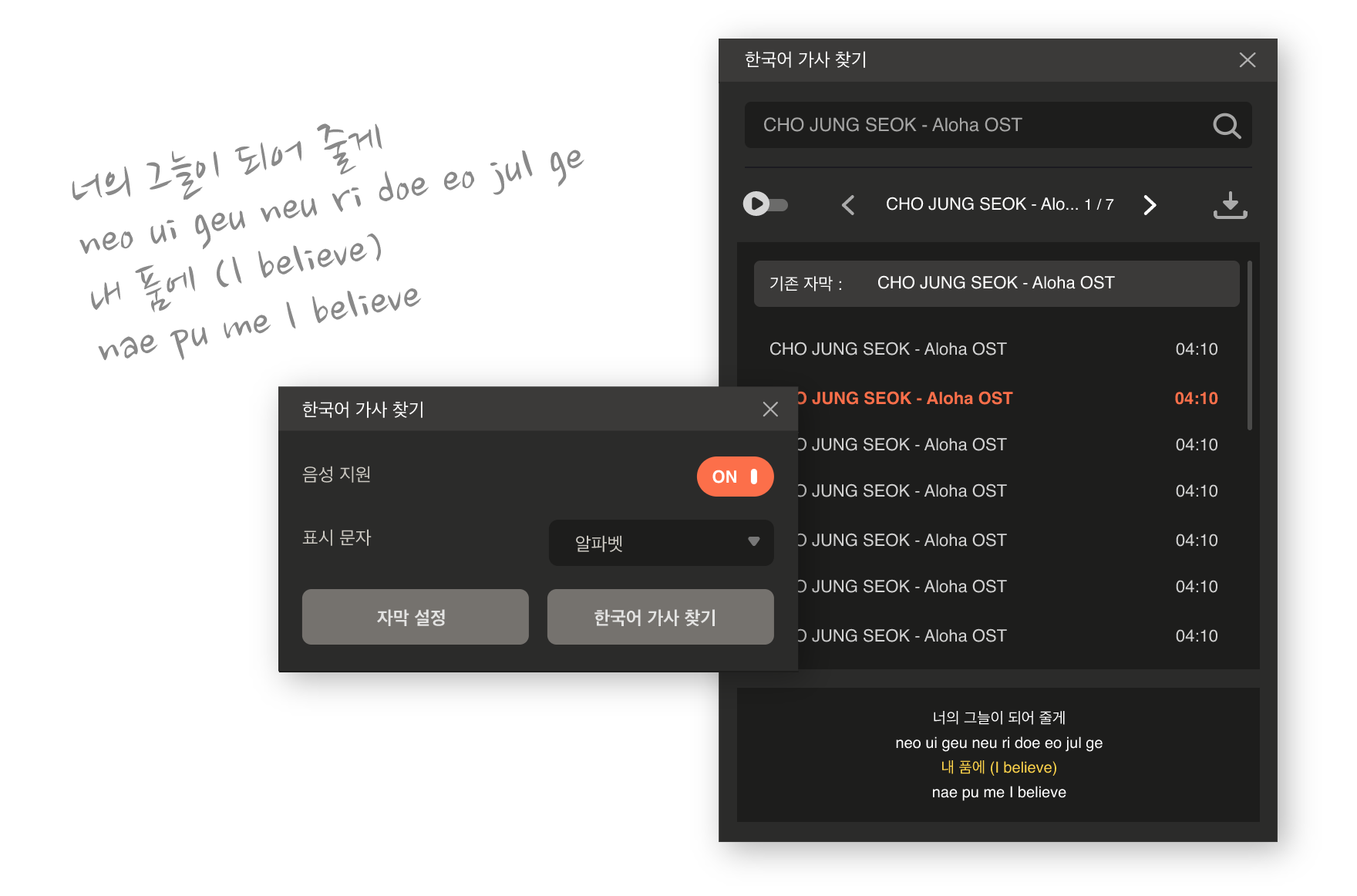
Advanced subtitle handling with automatic discovery, synchronization, and support for styled subtitles. Perfect for international content and anime viewing.
Automatic Subtitle Discovery
GOM Player automatically searches for subtitle files matching your video name. Supports SRT, ASS, SSA, SUB, and IDX formats.
Subtitle Synchronization
Easily adjust subtitle timing with keyboard shortcuts (Z/X for delay, C/V for advance) or the built-in sync tool.
Styled Subtitles (ASS/SSA)
Full support for Advanced SubStation Alpha (ASS) and SubStation Alpha (SSA) formats with fonts, colors, positioning, and animations.
Multiple Subtitle Tracks
Handle embedded subtitle tracks in MKV and other container formats. Switch between languages instantly.
4K UHD & High-Resolution Playback
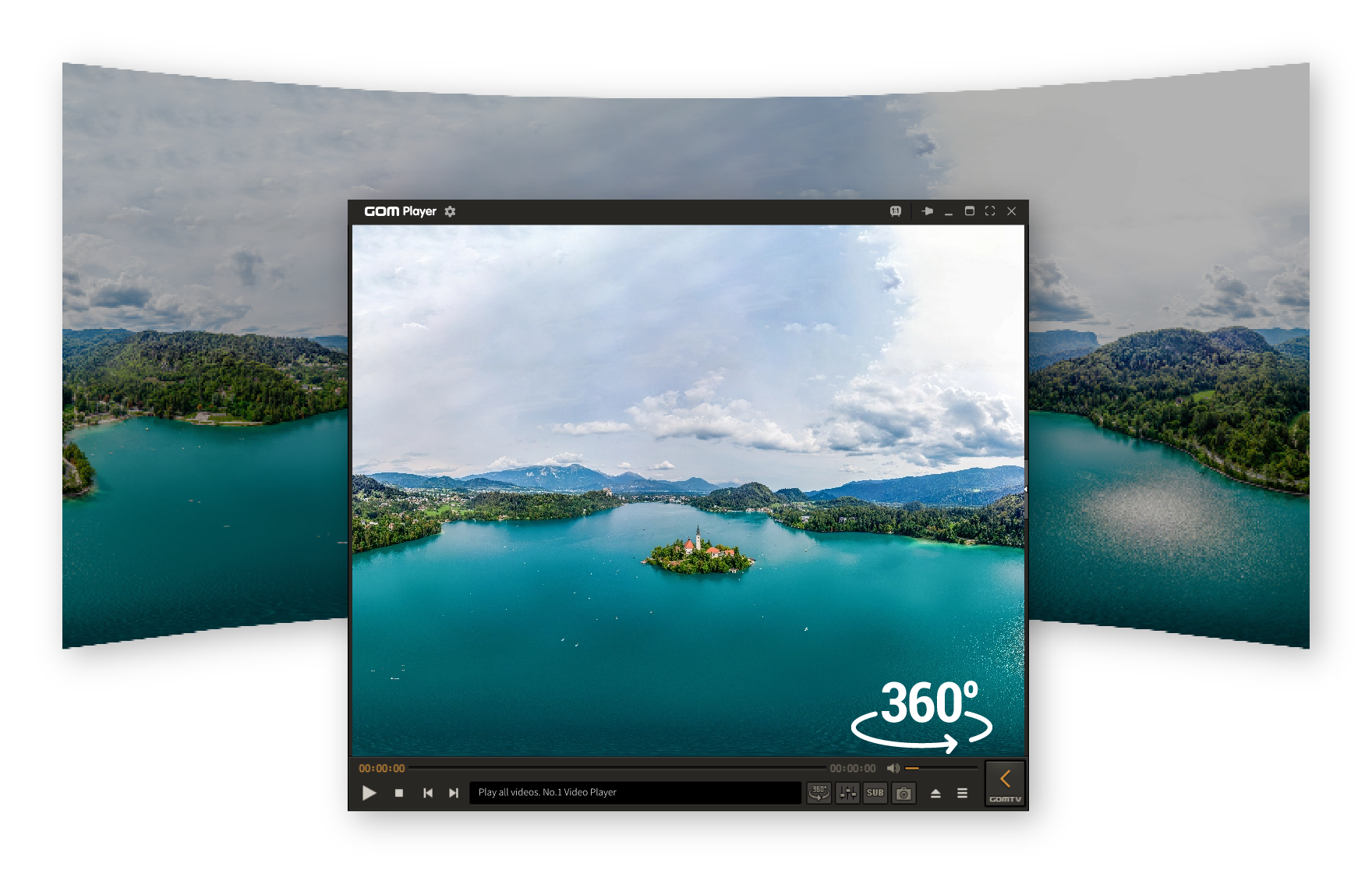
Experience crystal-clear video playback with support for 4K, UHD, and HDR content. Hardware acceleration ensures smooth performance even on mid-range systems.
Resolution Support
- 4K (3840×2160) Ultra HD
- 8K (7680×4320) support
- HDR10 and HDR10+
- High frame rates (60fps+)
Performance Features
- GPU hardware acceleration
- DirectX Video Acceleration
- Multi-core CPU utilization
- Adaptive buffering
Performance Optimization
Engineered for efficiency, GOM Player runs smoothly on low-end systems while delivering excellent performance on modern hardware. Minimal resource footprint with maximum playback quality.
Memory Usage
Average memory footprint under 100MB during playback, significantly lower than many competitors.
Startup Time
Fast application launch and file loading, optimized for instant playback.
CPU Usage
Efficient CPU utilization with hardware acceleration, leaving resources for other applications.
Optimization Features
- Smart caching system reduces disk I/O
- Lazy loading of codecs and features
- Optimized decoder algorithms
- Background processing optimization
- Reduced GUI rendering overhead
- Configurable quality vs performance modes
Custom Skins & Controls
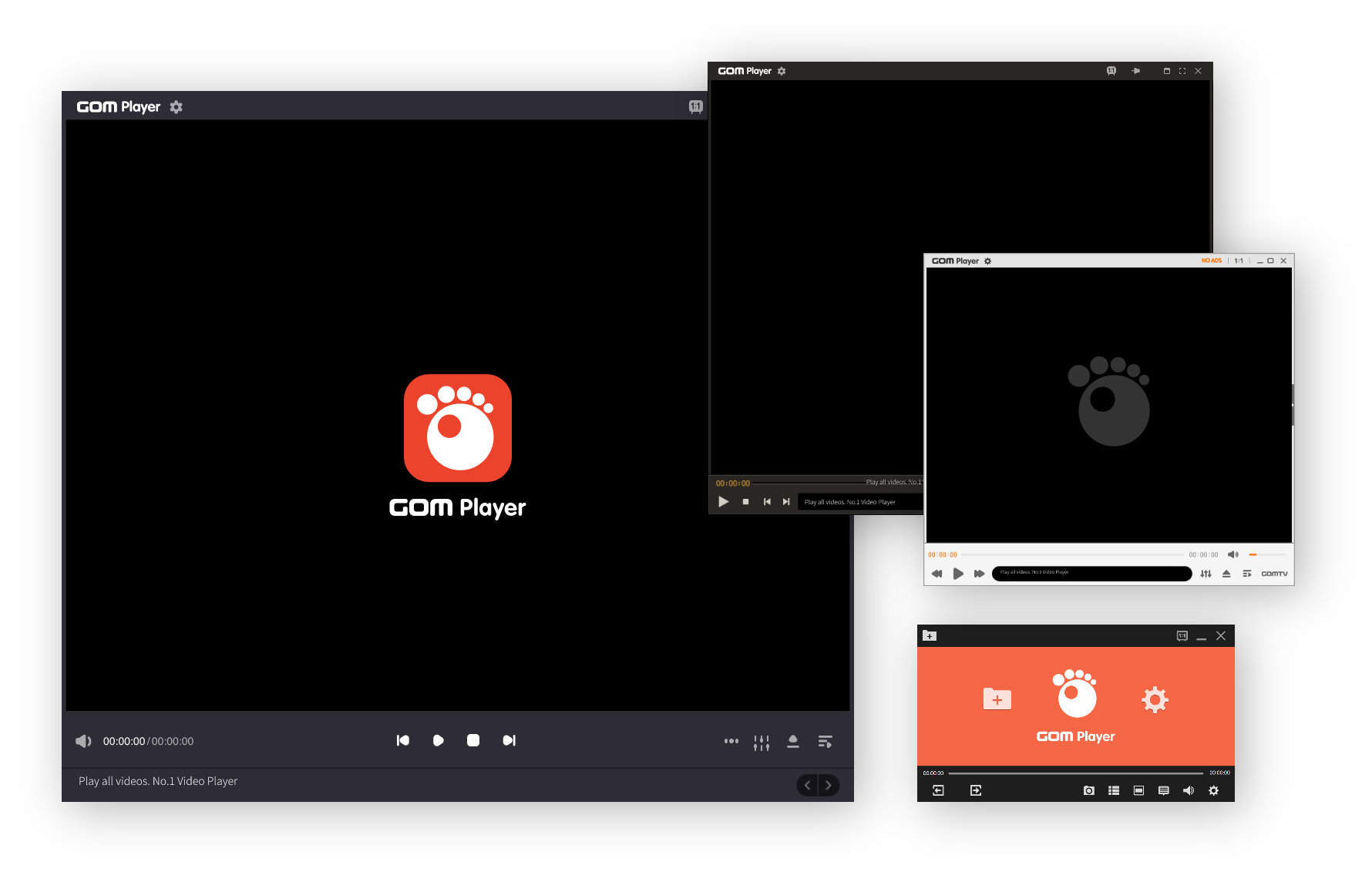
Personalize your media player experience with custom skins, themes, and fully customizable interface controls. Make GOM Player look and feel exactly how you want.
Custom Skins
Choose from dozens of professionally designed skins or create your own. Change the entire look of the player window.
- • Pre-installed skin collection
- • Community-created skins
- • Custom skin editor tools
- • Real-time preview
Control Customization
Rearrange, resize, and customize every control element. Create the perfect layout for your workflow.
- • Button arrangement and sizing
- • Control panel positioning
- • Keyboard shortcut mapping
- • Playlist and media library views
Pro Tip: Visit the GOM Player community forums to download additional skins and share your custom designs with other users.
Advanced Audio/Video Settings
Fine-tune every aspect of your playback experience with professional-grade audio and video adjustment tools. Perfect for audiophiles and video enthusiasts.
Audio Features
-
10-Band Equalizer
Precise audio frequency adjustment with presets and custom profiles.
-
Audio Effects
Reverb, echo, voice enhancement, and surround sound simulation.
-
Audio Track Selection
Switch between multiple audio tracks, including commentary and language options.
-
Volume Normalization
Automatic volume leveling across different media files.
Video Features
-
Video Filters
Brightness, contrast, saturation, hue, and gamma correction with real-time preview.
-
Deinterlacing & Scaling
Advanced deinterlacing algorithms and intelligent video upscaling for better quality.
-
Playback Speed Control
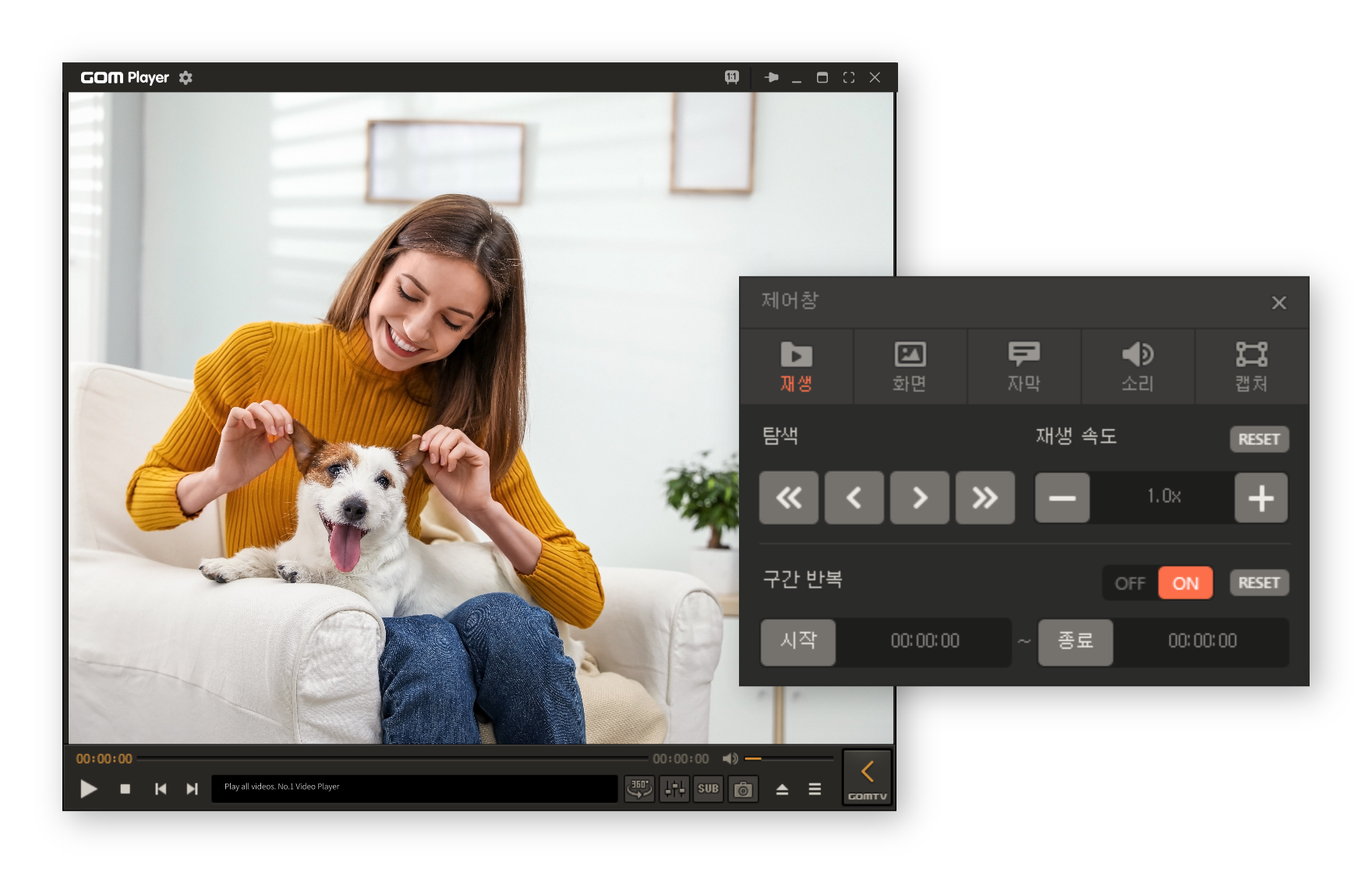
Adjustable playback speed from 0.25x to 4x with pitch correction option.
-
Frame Navigation
Frame-by-frame stepping, screenshot capture, and A-B repeat for detailed analysis.
Ready to Experience All Features?
Download GOM Player and unlock the full potential of media playback
Download Free