GOM Player
Professional Media Player for Windows
Play any video format with advanced features. Trusted by over 50 million users worldwide for superior playback quality.
The Ultimate Media Player for Windows
Experience professional-grade video playback with unmatched format support and advanced features
Technical Highlights
Video Formats
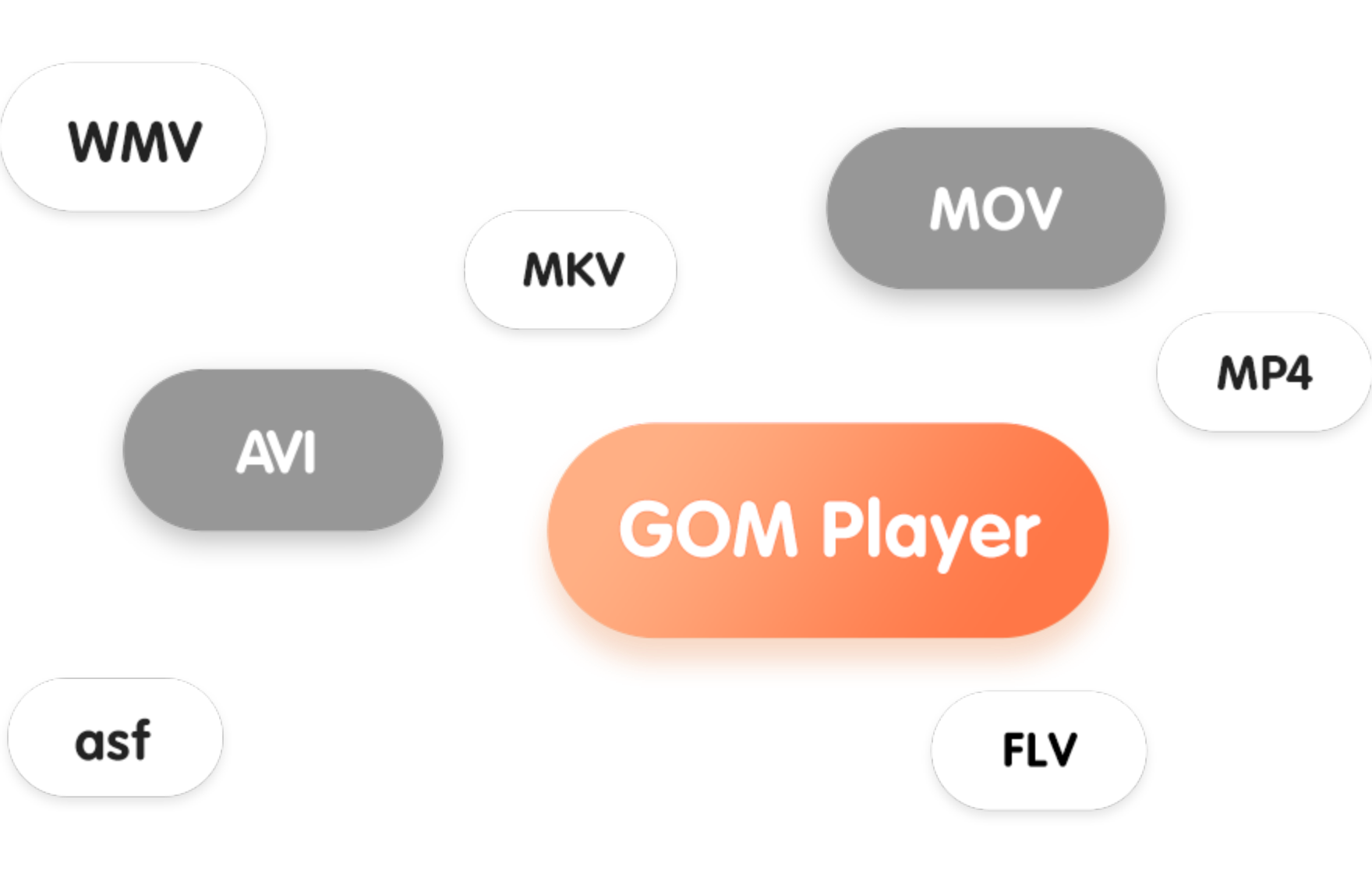
MKV, MP4, AVI, MOV, FLV, WMV, ASF, 3GP, 3G2, OGM, OGV, RM, RMVB, TS, TP, TRP, M2TS, MTS, TOD, VOB, DAT, MPG, MPEG, DVR-MS, IFO, ISO, WEBM and more
Audio Formats
MP3, AAC, WMA, OGG, FLAC, APE, WAV, AC3, DTS, TrueHD, EAC3, Opus, Vorbis, and all audio tracks in video containers
Subtitle Formats
SRT, SMI, ASS, SSA, SUB, IDX, VTT, SRT, TXT with auto-download from OpenSubtitles integration
Here are the main features of
GOM Player
Discover the powerful features that make GOM Player the best choice for your media playback needs
Maximum Formatting Support
A free video player that supports file playback in more than 100 different video and audio formats, including AVI, MP4, MKV, and more. External codec allows you to play videos that were difficult to play due to codec problems. Both Windows and MAC OS operating systems are available.
360° VR Video Playback
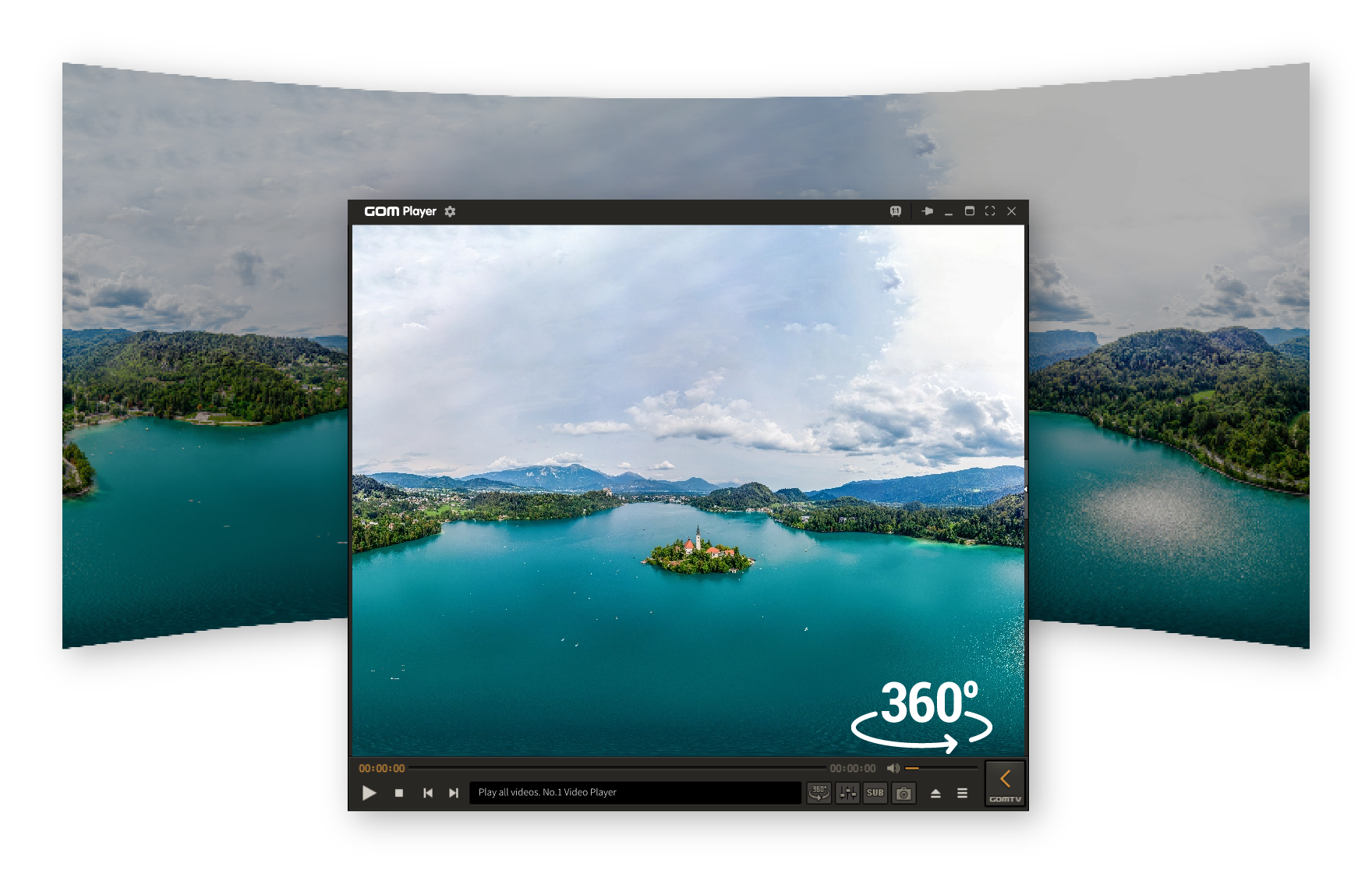
The VR mode allows you to watch 360-degree videos by rotating up, down, left and right, and choose specific point, enjoying it more immersive. You can retrieve the video, or click the button on the bottom menu to search for and play a 360-degree VR video on the Internet. Feel part of the video!
Interval Playback
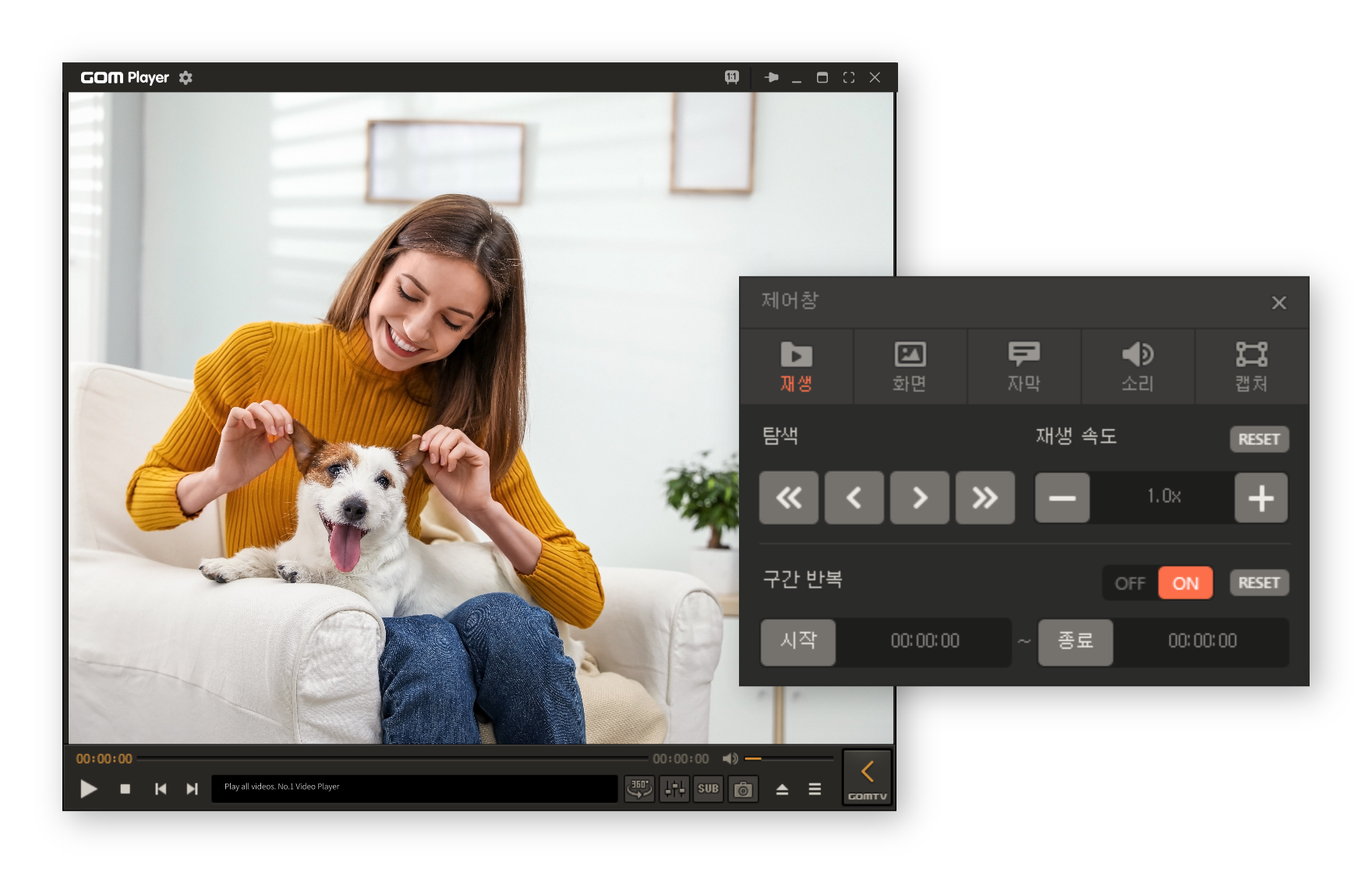
You can choose the part of the video and repeat it. You can choose a detailed second and set the number of repetitive plays. Also, setting multiple interval iterations to create multiple interval iterations and ordering them is possible.
Simple Interface & Skin
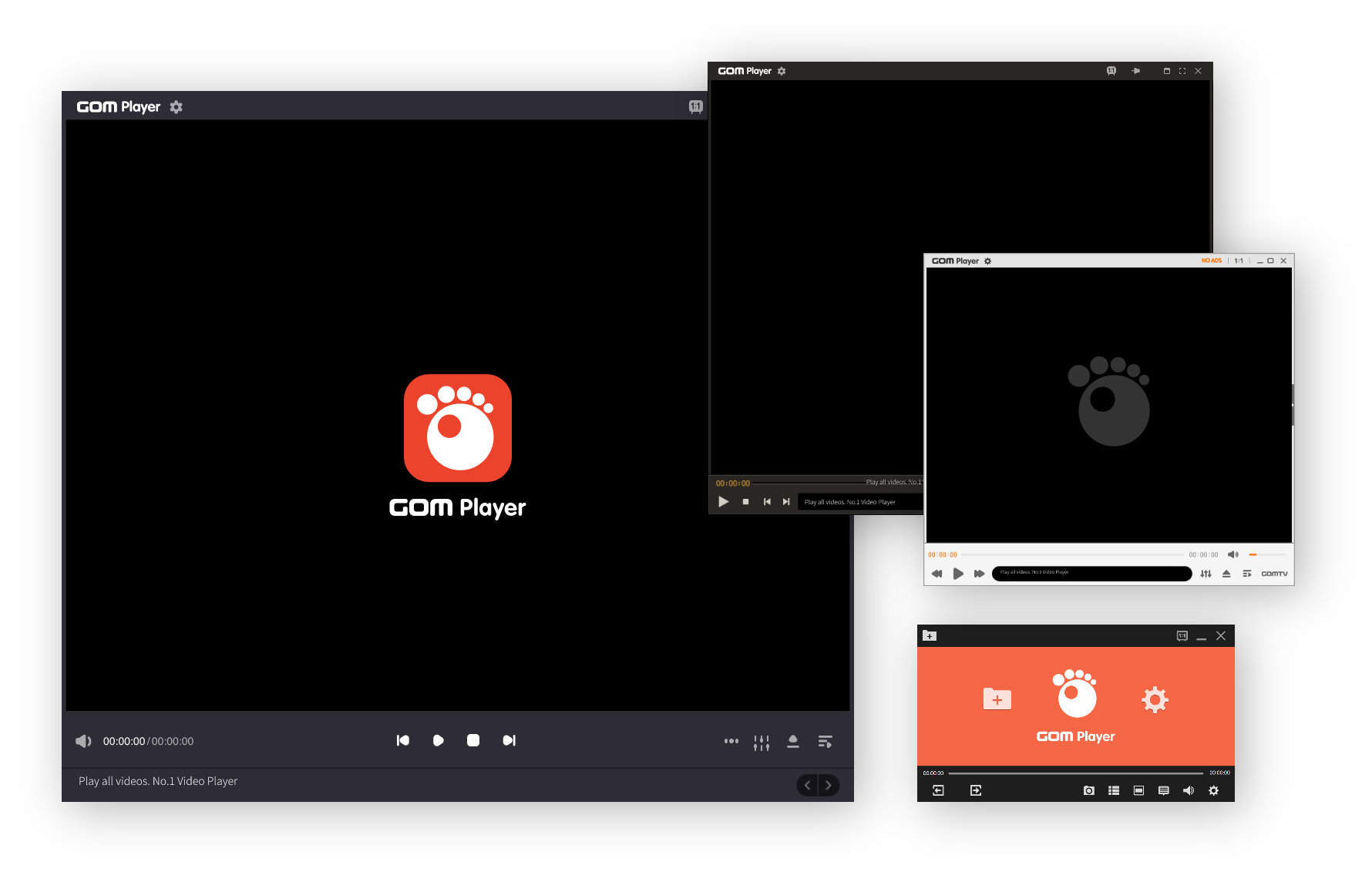
It boasts a user-friendly interface with a clean, convenient, and simple interface that even beginners can easily operate. With the advantage of simpleness, feel free to choose from basic skin, touch optimizing skin, basic white skin that shows only the functions you need, and simple skin that you can focus on videos.
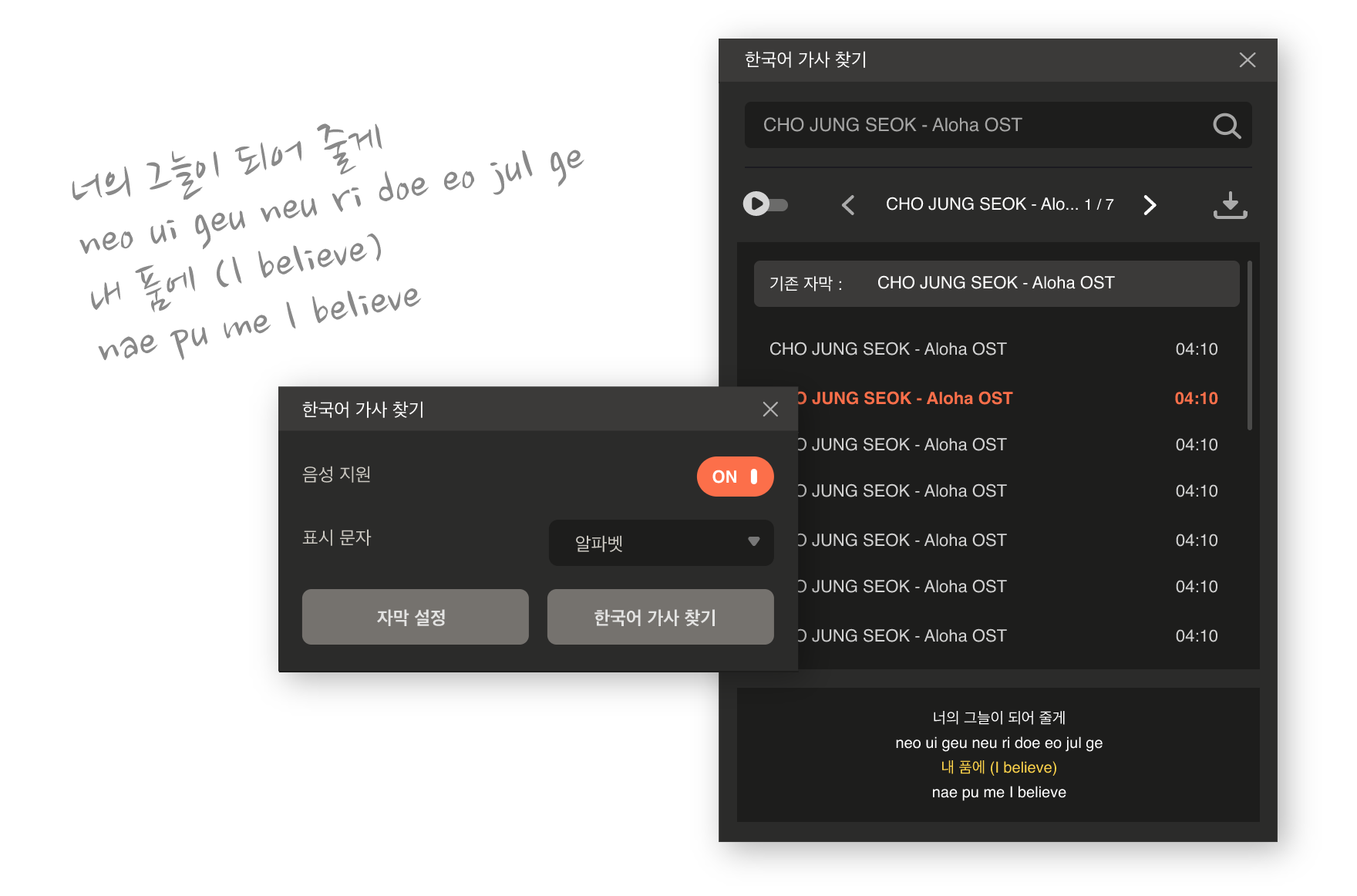
Korean Vocalization
A must for fans who want to sing along to K-POP! When you copy and play the URL of the music video you want on YouTube, the Korean vocalization service is automatically supported in Katakana or Alphabet so that anyone can sing along to K-POP. Also, enjoy K-Drama with the service.
Everything You Need in One Player
Professional-grade features designed for both casual viewers and power users
Wide Codec Support
Play MKV, AVI, MP4, MOV, FLV, and 100+ formats without additional codec installations. Built-in codecs ensure compatibility with legacy and modern video formats.
Smart Subtitle Management
Automatic subtitle discovery, syncing, and support for multiple subtitle formats including SRT, ASS, SSA. Auto-download from OpenSubtitles with intelligent timing adjustment.
4K UHD Playback
Smooth playback of high-resolution content including 4K, UHD, and HDR videos with hardware acceleration. Supports H.265/HEVC, VP9, and AV1 codecs.
Optimized Performance
Lightweight design optimized for low-end PCs with minimal resource usage and fast startup times. Uses less than 100MB RAM during playback.
Custom Skins & Controls
Personalize your player with custom skins, themes, and fully customizable playback controls. Hundreds of community-created skins available.
Advanced A/V Settings
Fine-tune audio and video with advanced filters, equalizers, and playback enhancement options. Control brightness, contrast, saturation, and audio channels.
Loved by Millions Worldwide
See what our users are saying about GOM Player
"GOM Player is the best media player I've ever used. The subtitle auto-sync feature is a game-changer for watching foreign films. Works perfectly on my old laptop!"
"As an anime fan, the ASS/SSA subtitle support is incredible. The player handles 60fps content smoothly and the interface is so customizable. Highly recommended!"
"Perfect for my home media server setup. The 4K playback is flawless and the codec support means I never have compatibility issues. Best free media player available!"
Perfect For Every Media Need
Whether you're watching movies, learning languages, or creating content, GOM Player delivers
Movies & Entertainment
Enjoy your favorite movies with crystal-clear playback, automatic subtitle matching, and support for all major video formats including Blu-ray rips and 4K content.
- MKV, MP4, AVI format support with full Blu-ray compatibility
- 4K UHD and HDR10/HDR10+ content playback with tone mapping
- Multi-language subtitle support with auto-translation options
- Chapter navigation and playlist management for series
Anime & Series
Watch anime and TV series with perfect subtitle synchronization, support for ASS/SSA styled subtitles, and smooth playback of high frame-rate content up to 120fps.
- ASS/SSA styled subtitle rendering with full styling support
- Automatic subtitle download & sync from OpenSubtitles
- Smooth 60fps/120fps playback support with interpolation
- Subtitle timing adjustment tools for perfect sync
Low-End PC Performance
Optimized for older and budget systems. GOM Player runs smoothly on Windows 7+ with minimal memory footprint and CPU usage, making it perfect for legacy hardware.
- Lightweight resource usage - less than 100MB RAM
- Fast startup and loading times - launches in under 2 seconds
- Hardware acceleration support for older GPUs
- Compatible with Windows 7, 8, 10, and 11
Professional Media Work
Perfect for content creators, educators, and professionals who need reliable playback with frame-accurate controls and advanced audio/video processing capabilities.
- Frame-by-frame navigation with timestamp display
- Advanced audio/video filters and enhancement tools
- Custom playback speed control from 0.25x to 4x
- Audio delay adjustment and channel mixing options
Why Choose GOM Player?
Compare GOM Player with default Windows players and see the difference
Feature Comparison
| Feature | Windows Media Player | GOM Player |
|---|---|---|
| Video Format Support | Limited (MP4, WMV, AVI only) | 100+ formats (MKV, FLV, MOV, etc.) |
| Subtitle Support | None or Basic SRT only | Advanced (SRT, ASS, SSA, auto-sync) |
| 4K/UHD Playback | Limited or No Support | Full Support with Hardware Acceleration |
| HDR Support | Not Supported | HDR10/HDR10+ with Tone Mapping |
| Codec Installation | Required for many formats | Built-in Codecs (No Installation) |
| Performance & Resources | Heavy on CPU/RAM | Optimized & Lightweight (< 100MB RAM) |
| Customization Options | Minimal to None | Skins, Themes, Controls, Hotkeys |
| Audio Enhancements | Basic Equalizer Only | Advanced EQ, Filters, Channel Mixing |
| Subtitle Auto-Download | Not Available | OpenSubtitles Integration |
Trusted by Millions Worldwide
GOM Player has been a trusted media player solution for over 15 years. With millions of active users worldwide, we maintain an unwavering commitment to security, privacy, and regular updates.
Security & Privacy First
Our software is clean, ad-free in core functionality, and regularly scanned by leading antivirus vendors including Windows Defender, Norton, and Kaspersky. We never collect personal information or track your usage.
System Requirements
Minimum Requirements
- OS: Windows 7 SP1 or later (32-bit/64-bit)
- CPU: Intel Pentium 4 or AMD equivalent (1.0 GHz+)
- RAM: 512 MB (1 GB recommended)
- Storage: 50 MB free disk space
Recommended for 4K/HDR
- OS: Windows 10/11 (64-bit)
- CPU: Intel Core i5 or AMD Ryzen 3+ (2.0 GHz+)
- GPU: DirectX 11 compatible with H.265/HEVC support
- RAM: 4 GB or more
Ready to Experience the Best?
Join millions of users who trust GOM Player for their media playback needs. Download now and experience professional-grade video playback for free.